Choose your schedule
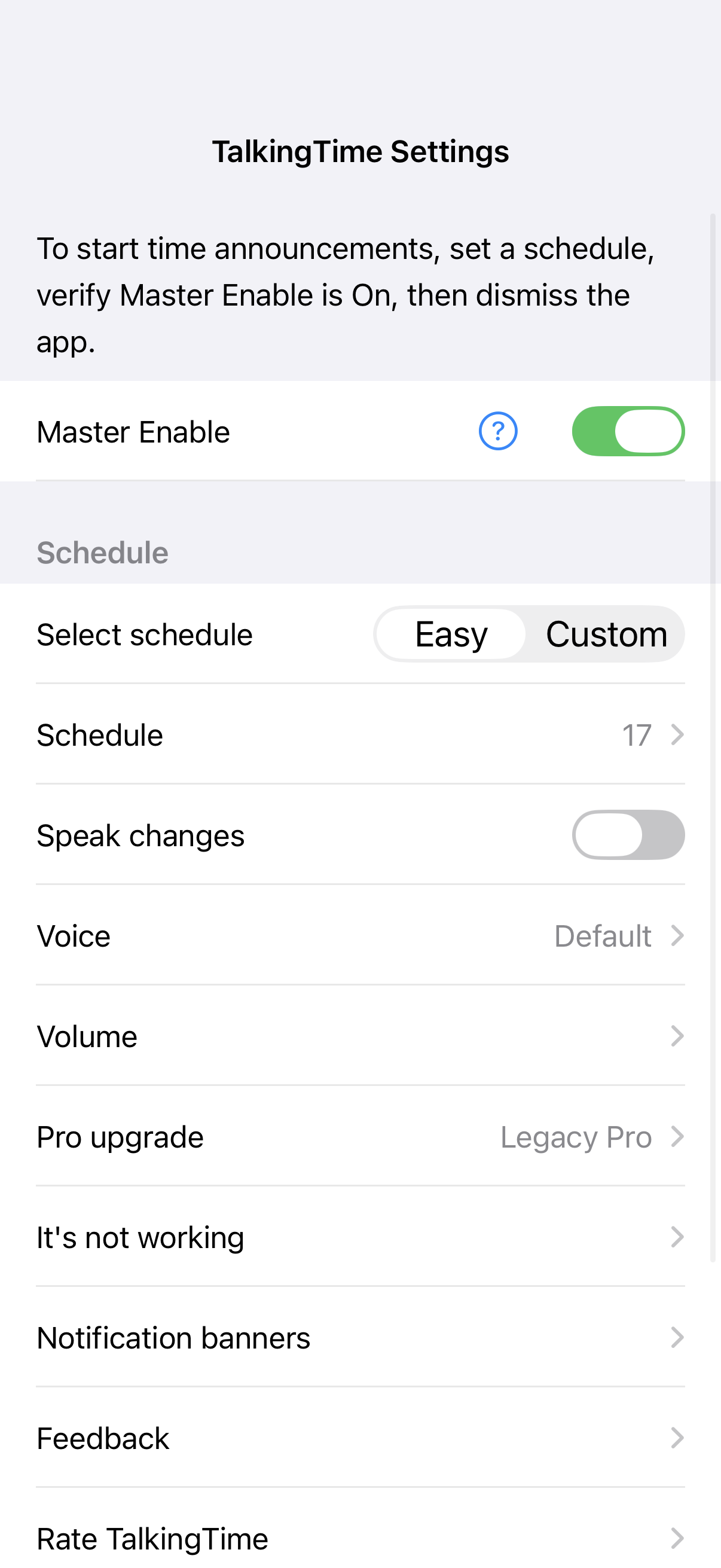
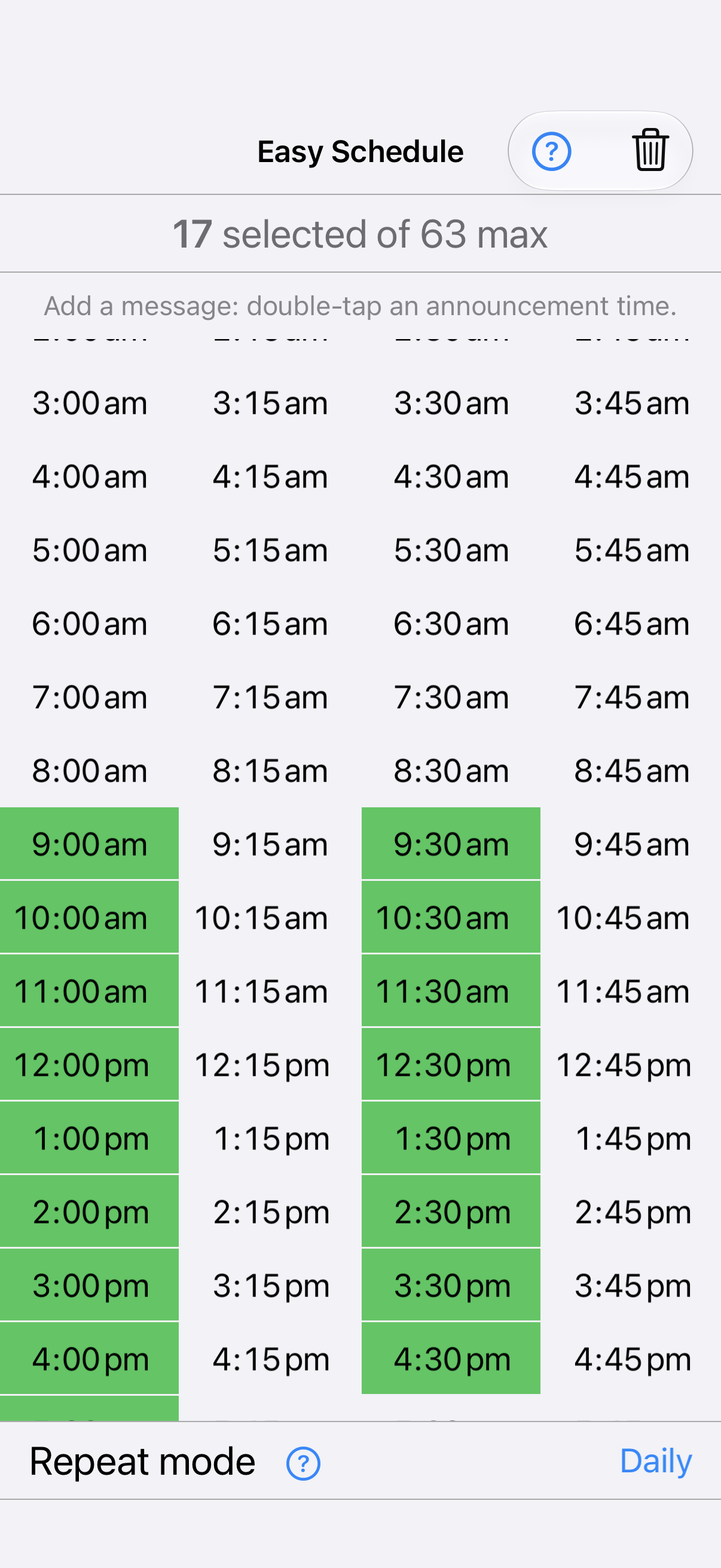
Start with the included Easy schedule. Pro or Legacy Pro lets you edit its times. A Pro subscription also unlocks the separate Custom schedule for exact-minute times, dates and weekly repeats.
 TalkingTimeSpeaking ClockGet the app
For iPhone and iPad · English
A spoken time or a familiar chime helps you notice the passing hours without stopping to look at your screen.
Free to download. Optional Pro subscription.
Listen before you download
Here is a voice example generated with TalkingTime’s speech writer, and a chime used by the app. Your selected voice and wording can differ.
Transcript: “It’s nine thirty. Time to take a break.”
Audio description: a short bell chime.
Getting started
Start with the included Easy schedule. Pro or Legacy Pro lets you edit its times. A Pro subscription also unlocks the separate Custom schedule for exact-minute times, dates and weekly repeats.
Allow TalkingTime notifications and Sounds in iOS Settings. Keep Master Enable on. Choose the voice or chimes you want to hear.
Use a normal swipe up or the Home button. Give TalkingTime time to prepare your announcements; don’t swipe it away from the App Switcher during preparation.
Time announcements, your way
Use a voice or chime as a regular time cue. Choose 12- or 24-hour speech and the wording you prefer.
You can add your own text to an enabled Easy time without a subscription. With touch, double-tap a time to add a message. With VoiceOver, use its Add message or Edit message action.
Pro subscription: edit Easy times and use Custom schedules at any minute, on specific dates, or on selected weekdays.
Legacy Pro: original lifetime access includes Easy editing and messages. The separate Custom schedule requires a subscription.
The app and Apple purchase sheet show the current price, billing period and any eligible trial. Subscriptions renew automatically unless cancelled. You can manage or cancel through your Apple account.
Accessibility and help
TalkingTime provides VoiceOver labels and schedule actions, including selecting times and editing messages. Read accessibility details and current limitations.
If you are not hearing announcements, open It’s not working and tap Get support. TalkingTime sends diagnostic information automatically so you do not have to describe every setting. You can also email support@fortuisoft.com.
TalkingTime provides time cues and personal reminders. Do not rely on it as your only reminder for an essential task.
iPhone and iPad · iOS 17.6 or later · English